

If you are a web developer or a technical SEO specialist, you already know the exact pain point we are tackling today.
You log into Google Search Console (GSC), you submit a fix for a nagging indexing issue, and then you wait days, sometimes literally weeks, only to be slapped with that absolutely dreaded “validation failed” error. It is enough to make anyone want to throw their monitor out the window.
But today, we are going to completely transform how you handle these errors by bringing Gemini AI straight into your diagnostic workflow.
We are going to look at how to stop guessing, start testing, and permanently clear those errors out of your dashboard.
We have all been there: you get a page indexing error, you tweak a meta tag or adjust a URL, and you hit validate, only to face an automated rejection. It feels like being completely disconnected from what Googlebot is actually seeing.
This cycle of submitting, waiting, and failing is a massive drain on your time and your crawl budget.
In this guide, we are diving into exactly why this happens and, more importantly, how to fix it for good using AI-driven engineering. Here is our roadmap:
- The mechanics of the validation nightmare
- Why manual fixes often fail
- Bridging GSC data with Gemini AI
- Crafting the perfect diagnostic prompt
- The “sandbox” testing workflow
- Automating future health checks
Section 1: Understanding the Validation Failed Nightmare
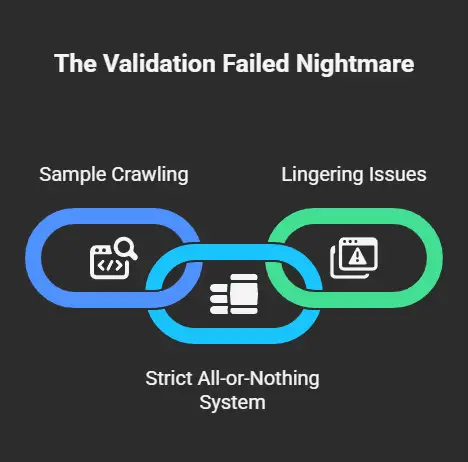
To really beat this error, we first need to understand what is actually happening under the hood.
Think of GSC validation like a teacher grading homework corrections. When you click “Validate Fix,” Google does not instantly recrawl every single URL you submitted. Instead, it crawls a sample from your list.
If Googlebot finds even one single page that still has the original issue, perhaps a lingering bad redirect or a legacy header, the entire validation process stops dead in its tracks and switches to “failed.”
It is an incredibly strict, all-or-nothing pass/fail system. If your site has 1,000 affected URLs and you fixed 999 of them, that one outlier will still sink your entire validation attempt.
Section 2: Why Manual Fixes Often Fail
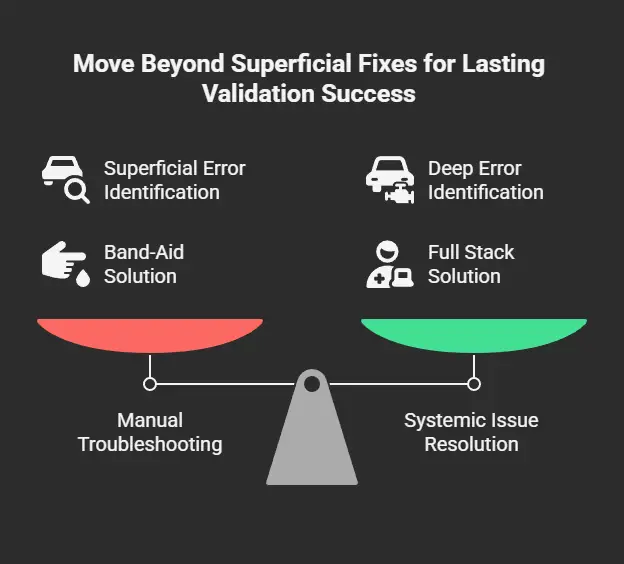
Knowing just how strict that validation process is, it becomes clear why standard manual troubleshooting is fundamentally flawed.
Many developers treat GSC errors as isolated front-end glitches, a missing meta tag here or a broken link there. This is often purely front-end guesswork.
The reality is that a “validation failed” message usually masks deep, systemic issues. You might be dealing with inconsistent server responses, Cloud SQL timeouts under heavy load, or even outdated SDK versions that only trigger errors during specific crawl conditions.
If you only put a band-aid on the superficial symptom, the underlying infrastructure “disease” guarantees that your validation will fail again. To fix the problem, you have to move beyond the front end and look at the full stack.
Section 3: Bridging Data with Gemini AI
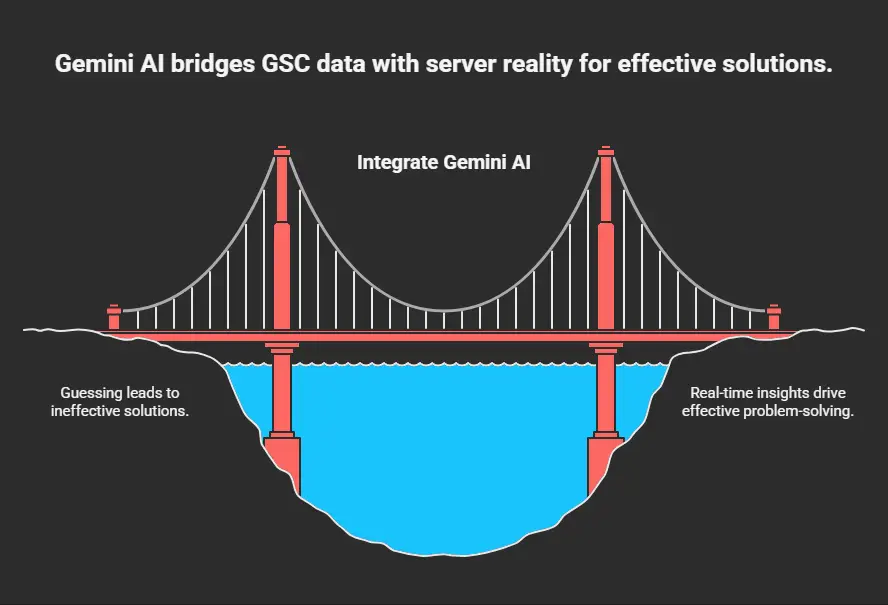
This is where we bring AI into the fold to connect the symptoms Search Console shows us with the actual reality of our servers. GSC gives you the what, but Gemini gives you the why.
For instance, if GSC reports a 5xx server error, Gemini can analyze your logs and identify if it is a Cloud SQL load issue or a Cloud Functions cold start.
If you have a mass of 404 “Not Found” errors, Gemini can trace that back to broken Firebase routing rules.
By bridging these data silos, you stop guessing and start engineering real solutions.
Choosing the Right AI Tool
Before you start firing off prompts, you need to choose the right tool for the job:
- Gemini Advanced: Perfect for quick troubleshooting or brainstorming fixes for a handful of URLs. It handles general logic and code snippets beautifully.
- Vertex AI: If you are a developer managing complex systems like AlloyDB or Cloud Storage, you want Vertex AI. It can securely access your cloud environment with the right context, ensuring your automated monitoring pipelines stay accurate and private.
Section 4: Crafting the Perfect Prompt
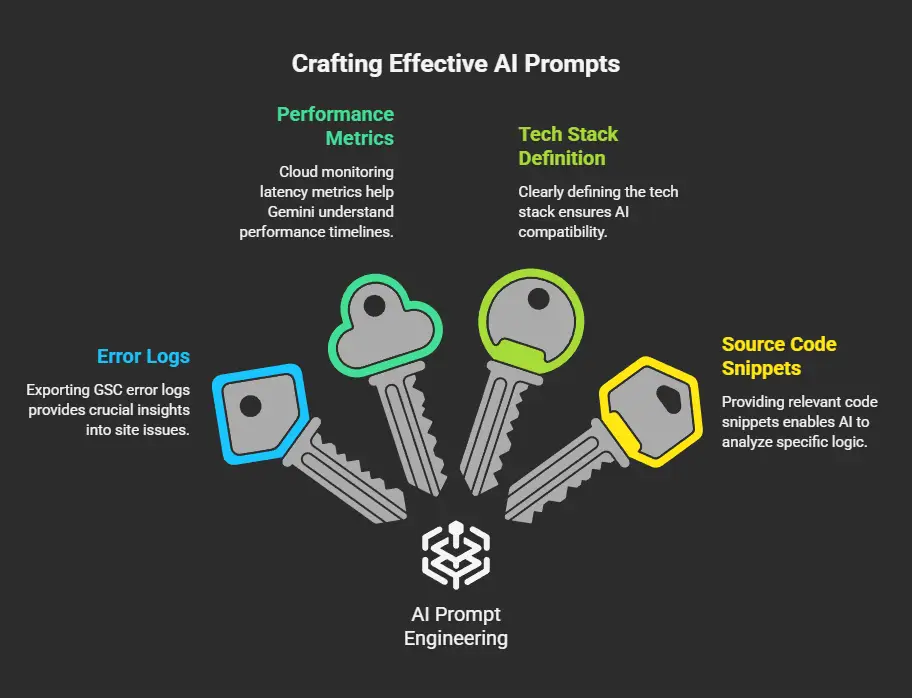
AI is only as good as the data you feed it. To get a fix that actually works, your prompt needs four specific ingredients to provide the necessary context:
- Error Logs: Export your GSC error logs as a CSV or JSON and drop them into the chat.
- Performance Metrics: Include your cloud monitoring latency metrics so Gemini can see the performance timeline.
- Tech Stack Definition: Clearly define your stack. Are you using Node.js, React, or TypeScript?
- Source Code Snippets: Provide snippets of your relevant code, such as your Cloud Functions or routing logic.
Providing this hyper-specific context prevents Gemini from spitting out generic advice that might be incompatible with your setup. Use the following Root Cause Analysis Prompt Template for the best results:
“I am experiencing a specific GSC error on my site. My stack is [Insert Stack, e.g., Node.js and React]. Here are the error logs: [Paste Logs].
Please analyze these for potential root causes related to server configuration, rendering delays, or outdated library dependencies within Google Cloud Storage or my Cloud SQL instances.”
Using this framework forces the AI to look at the exact intersection of your front-end errors and your back-end cloud infrastructure.
Section 5: Test Before You Revalidate
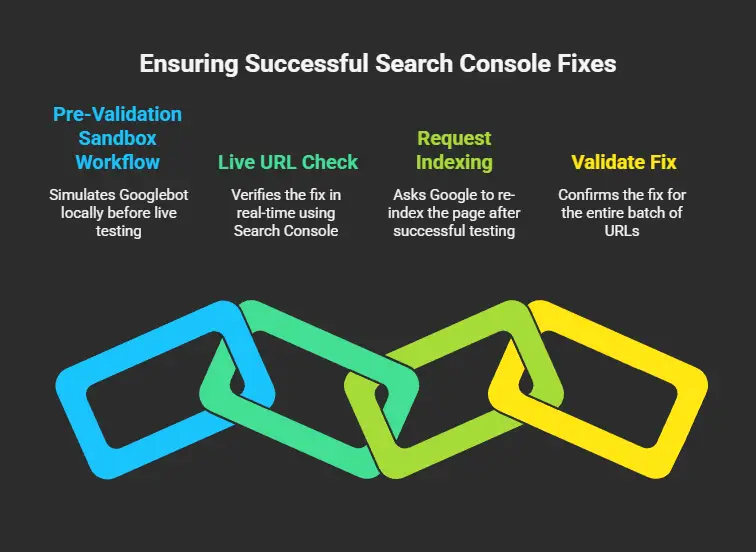
Stop!🛑 Do not click that “Validate Fix” button in Search Console yet.
It is tempting to hit it as soon as you think you have the solution, but remember: if Googlebot hits a cached error, you are locked back into another agonizing failed cycle. You must prove the fix works first.⚙️⚡
The Pre-Validation Sandbox Workflow
Establish a sandbox workflow to simulate Googlebot before involving GSC:
- Step 1: Ask Gemini to write a test script that accesses your URL using a non-browser user agent (simulating a crawler).
- Step 2: Run the Firestore emulator (or your relevant local environment) to mirror production without affecting live data.
- Step 3: Use your generated script to simulate Googlebot behavior locally.
- Step 4: Verify the header responses and ensure the HTML is rendering properly.
The Live URL Check
Once your local tests are green, move to the live check in Search Console:
- Grab a previously failed URL and paste it into the GSC top search bar.
- Click “Test Live URL.” This is vital because it forces Google to bypass its cache and fetch the page right now.
- Check the Page Availability section to ensure the user-declared canonical matches the Google-selected canonical.
- If everything is green, hit “Request Indexing.”
Only after these individual steps succeed should you finally click “Validate Fix” for the entire batch.
Section 6: Automating Future Health Checks
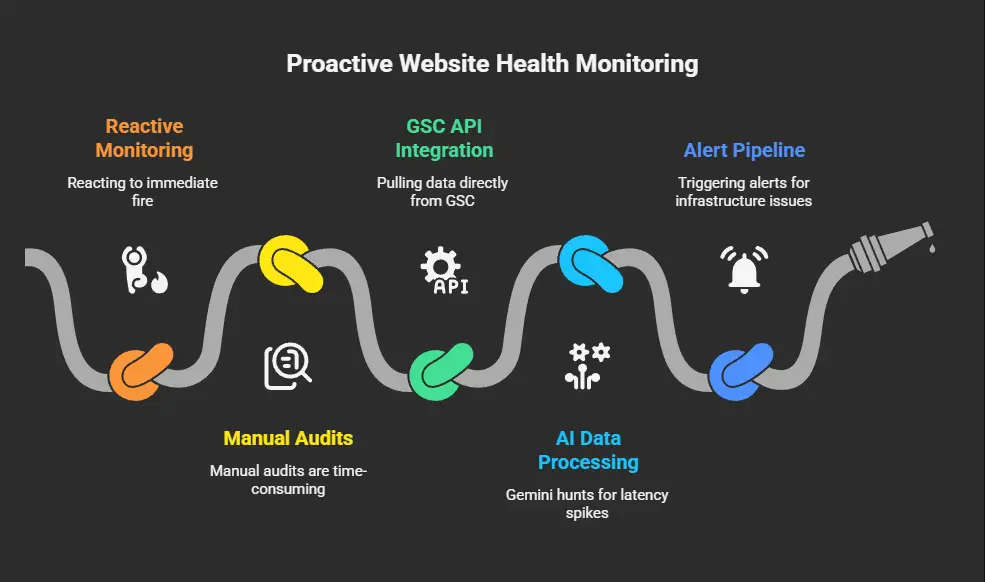
Now that the immediate fire is out, you should move from reacting to proactively monitoring.
You can build a permanent AI-first health audit pipeline to catch these issues before Google does.
By using Cloud Scheduler ⌚, you can trigger a custom Node.js or Python script every day.
This script automatically pulls data directly from the GSC API. Gemini can then process that data, hunting for latency spikes or rendering timeouts.
Finally, it can trigger an alert pipeline to warn you of infrastructure issues long before they become “validation failed” errors. It is essentially like having an automated SEO engineer on staff 24/7.
Key Takeaways for Technical SEO Success
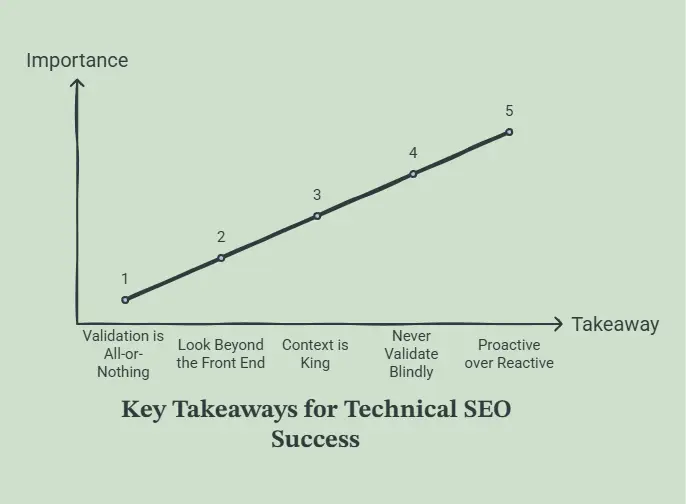
- Validation is All-or-Nothing: A single error in a sample will fail the entire validation batch.
- Look Beyond the Front End: Use AI to connect GSC symptoms to back-end infrastructure causes like SQL timeouts or cold starts.
- Context is King: Always provide your full tech stack and server logs when prompting Gemini for fixes.
- Never Validate Blindly: Use local scripts and the “Test Live URL” feature to confirm a fix before triggering the official validation process.
- Proactive over Reactive: Automate your GSC monitoring using APIs and AI to catch errors in real-time.
Conclusion
By bridging the gap between Search Console and your back-end infrastructure with Gemini AI, you are no longer blindly guessing at fixes.
You are engineering predictable, verifiable results. The cycle of “wait and fail” can be broken when you treat SEO errors as technical bugs that require deep-stack diagnostics.
As you look at your own infrastructure today, ask yourself: when you finally connect your GSC logs to your server data using AI, what back-end bottleneck are you going to uncover first?
Stop waiting for Google to tell you there is a problem, use Gemini to find and fix it today.
